Reporting a Deer Through Mississippi’s App
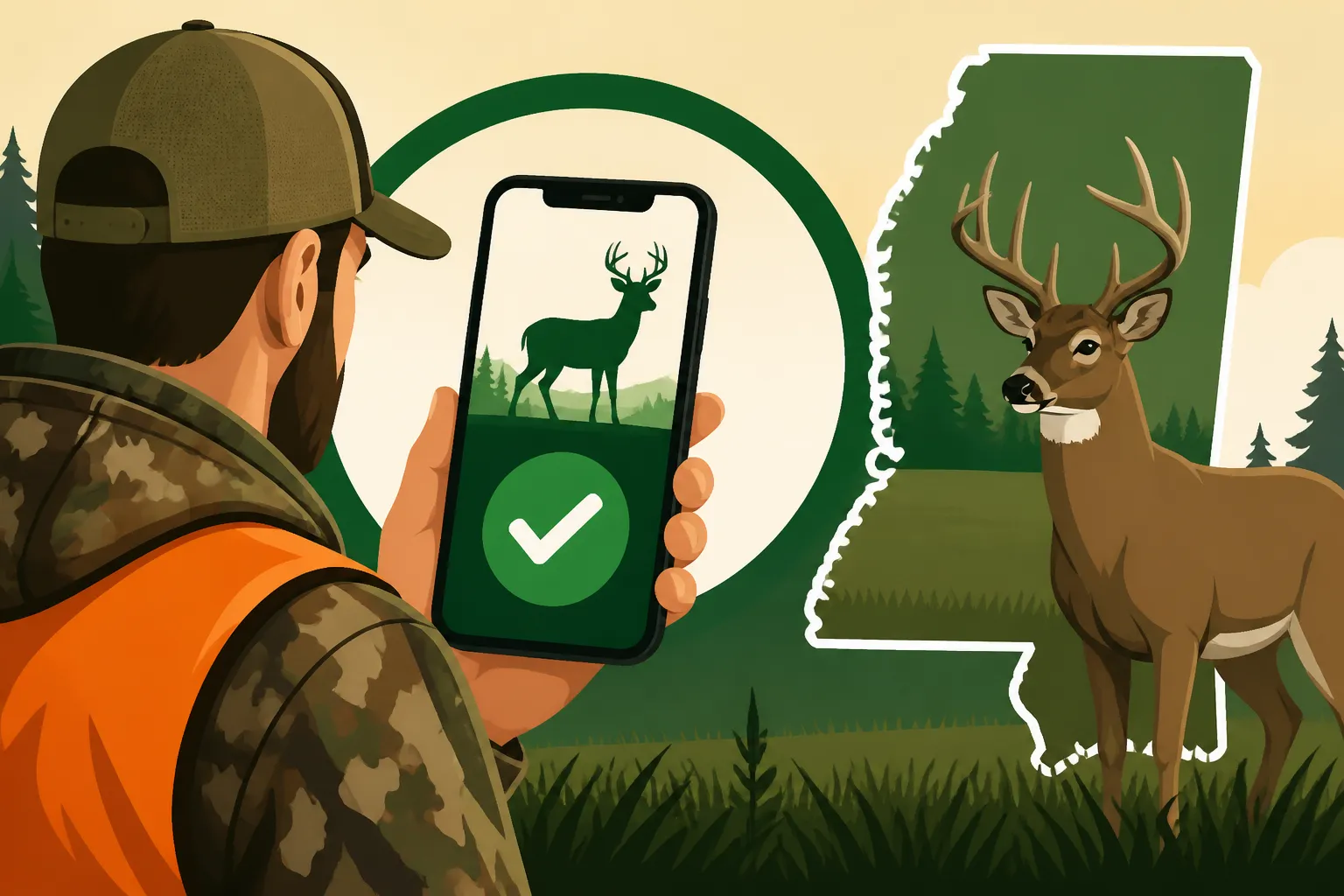
Harvesting a deer in Mississippi is an exhilarating experience, but the excitement can quickly turn into a headache when you realize there's a mandatory reporting step, especially if you're out in the sticks with no cell service. It's a common frustration, juggling a successful hunt with the immediate need to comply with regulations. This guide is here to walk you through exactly how to report your deer harvest using the official Mississippi Department of Wildlife, Fisheries, and Parks (MDWFP) app, making that post-harvest process as smooth as possible.
The Critical Importance of Deer Harvest Reporting
It might feel like just another piece of bureaucratic red tape when all you want to do is get your deer processed, but reporting your harvest in Mississippi is more than just a formality. It's a cornerstone of effective wildlife management and a legal requirement that every hunter must understand and follow. Trust me, the MDWFP isn't just trying to make your life harder; they're gathering vital data.
Supporting Wildlife Conservation and Data Collection
Every deer reported, whether it's a mature buck with a massive rack or a small doe, contributes to a much larger picture for wildlife biologists. Imagine trying to manage a business without knowing how many products you're selling or what your inventory looks like – that's essentially what wildlife management would be like without harvest data.
When you report your deer, you're providing information on the sex, date of harvest, and often the unit where it was taken. This data, collectively, helps the MDWFP assess deer populations across the state. They use these numbers to understand trends in herd health, fawn recruitment, and overall population density. If harvests are consistently low in a certain area, it might signal a declining population, potentially due to habitat loss, disease, or over-predation. Conversely, high harvest numbers can indicate a robust, healthy herd that might even support increased opportunities in future seasons. This granular data informs decisions on season lengths, bag limits, and specific antler restrictions, like the "Delta Unit Twelve-Inch Spread Rule Explained" or "Hills Unit Ten-Inch Spread Rule Explained" to promote a balanced age structure. Without accurate reporting from hunters like us, these critical management strategies would be based on guesswork, not science, which could ultimately harm the very deer herds we love to hunt.
Legal Requirements and Ensuring Compliance
Beyond the conservation aspect, reporting your deer is a non-negotiable legal requirement in Mississippi. Failing to report a harvest can lead to penalties, fines, and even the loss of hunting privileges. Ignorance of the law is rarely an excuse that holds up, especially when the tools for compliance are so readily available.
The MDWFP mandates that all deer harvested by any legal means must be reported within 72 hours of harvest or prior to the deer leaving the state, whichever comes first. This applies to every deer, regardless of whether you're hunting on private land or one of the many Wildlife Management Areas. Keeping track of "The Mississippi Deer Reporting Deadline" is crucial. This requirement ensures accountability and helps prevent illegal activities such as exceeding bag limits or harvesting out-of-season deer. It's part of being a responsible hunter, demonstrating respect for the game and the regulations designed to protect it. While it might feel like a minor detail after a long day afield, a quick report saves you a potential headache down the line with a game warden.
Getting Started: Navigating the MDWFP App
The MDWFP has put a lot of effort into making the reporting process as simple as possible, primarily through their official mobile application. This app is designed to be user-friendly, allowing you to handle your harvest reporting right from your phone, even if you’re deep in the woods.
Downloading and Account Setup
First things first, you need to get the MDWFP app on your smartphone. It's available for both iOS and Android devices, easily found by searching "MDWFP" in your device's app store. Don't confuse it with other third-party hunting apps, even helpful ones like GoHunt, which are great for scouting and navigation but aren't for official state reporting. Once downloaded, you'll need to create an account or log in with your existing MDWFP account credentials. This is usually the same account you use to purchase your hunting license online.
The setup process is pretty straightforward, guiding you through entering personal information, which will be linked to your hunting license profile. Make sure all your details, especially your license number, are accurate. If you haven't bought your license yet, you can often do so directly through the app or by visiting the MDWFP website. Remember, you can't report a harvest without a valid license! If you're new to hunting in Mississippi or a nonresident, you might want to look into "Mississippi Hunting Licenses and What They Cost" to ensure you have the correct permits. It's also worth noting that some apps, like GoHunt, can integrate with your license information for convenient access, but the reporting still happens through the official MDWFP platform.
Familiarizing Yourself with the App Interface
Once you're logged in, take a moment to poke around the app. You'll find sections for purchasing licenses, checking season dates (like "Mississippi Archery Season Dates by Unit" or "Mississippi Gun Season Dates by Unit"), viewing regulations, and, most importantly, the harvest reporting function. The design is fairly intuitive, but it's always good to be familiar with it before you're standing over a deer in fading light.
The harvest reporting section is typically prominently displayed, often labeled "Report Harvest" or similar. Within this section, you'll usually see options for different game species. For deer, you'll select "Deer." The app is structured to guide you step-by-step through the information required, preventing you from missing any crucial details. Some hunters also use other apps, like GoHunt, for mapping out their hunting areas or finding property lines, which can be invaluable for scouting and knowing exactly where you are when you harvest a deer. But when it comes to the official record, the MDWFP app is your go-to. Knowing your way around it beforehand will significantly reduce stress when it's time to report, especially if you're trying to quickly document your success before field dressing or dragging your deer.
Step-by-Step: Reporting Your Harvest After the Shot
You've made the shot, and the deer is down. Now, before you start field dressing, it's time to get out your phone and make that official report. The sooner you do it, the less likely you are to forget or run into issues later.
Initiating a Harvest Report
Once you've opened the MDWFP app and navigated to the "Report Harvest" section, select "Deer." The app will typically prompt you to confirm your current location. This is important as it helps record the county or even the specific Wildlife Management Area (WMA) where the harvest occurred. If you're on a WMA, you might also need to confirm that you've checked in, which is often a separate requirement for hunting "Mississippi Wildlife Management Areas."
Next, the app will ask you for basic information about the harvest itself. This includes the date and time of harvest. Try to be as accurate as possible. Some hunters even take a quick photo of their watch or phone screen showing the time right after the kill to ensure precision. You’ll also confirm the weapon used – whether it was a bow, a rifle, or a muzzleloader. This data helps the MDWFP track success rates across different weapon types and can influence future season structures, like those covered in "Muzzleloader Deer Hunting in Mississippi."
Entering Deer Details and Antler Information
This is where you provide the specifics about the deer you've harvested. The app will ask for the sex of the deer (buck or doe) and if it was a buck, you'll need to input details about its antlers. This usually includes:
- Number of points: How many points are on each antler, and the total.
- Antler spread: An estimate of the outside spread in inches.
- Beam length: An estimate of the main beam length in inches.
It's helpful to carry a small tape measure or at least have a general idea of these measurements to input accurate information. Remember, specific antler restrictions apply in certain units, so being able to judge a legal buck under those rules is essential. For instance, in the Delta Unit, you're looking for a wider spread. If you're unsure, it's always better to be conservative. The app might also ask for an estimated live weight, although this is usually optional. This information is crucial for understanding the health and age structure of the herd in that specific area.
Finally, you’ll confirm the county or specific WMA (if applicable) where the harvest took place. If you've been using a mapping app like GoHunt, you'll likely have a precise location, which can be useful for accuracy if you're on a boundary line or trying to pinpoint a specific feature.
Finalizing and Confirmation
After you've entered all the required details, the app will present a summary of your harvest report. Take a moment to review everything for accuracy. It's much easier to correct mistakes before submission than to try and amend them afterward. Once you're satisfied, hit the "Submit" or "Confirm" button.
Upon successful submission, the app will provide you with a confirmation number. This number is your proof that you've legally reported your deer. I strongly recommend taking a screenshot of this confirmation number or writing it down. While the app usually stores a record of your past harvests, having that confirmation number readily available is vital, especially if you ever encounter a game warden or have questions about your report later. This number serves as your official documentation until you process the animal.
Here's a quick checklist of information you'll typically need to have ready for your deer harvest report:
| Information Category | Required Details | Notes |
|---|---|---|
| Hunter Information | Your MDWFP Customer ID / License Number | Linked to your app account |
| Harvest Details | Date of Harvest | Within 72 hours of kill |
| Time of Harvest | As accurate as possible | |
| Method of Harvest | Archery, Muzzleloader, Firearm | |
| Deer Specifics | Sex of Deer | Buck or Doe |
| Number of Antler Points (if Buck) | Total points; may ask for left/right side | |
| Estimated Outside Antler Spread (if Buck) | In inches (e.g., 12 inches for Delta Unit) | |
| Estimated Main Beam Length (if Buck) | In inches | |
| Estimated Live Weight (often optional) | Helps MDWFP track herd health | |
| Location | County of Harvest | Very important for data collection |
| WMA Name (if applicable) | Check-in may be required separately | |
| Confirmation | Confirmation Number (provided upon submission) | Screenshot or write down for your records |
Common Pitfalls and Troubleshooting
Even with a user-friendly app, things can go wrong. It's smart to anticipate potential issues, especially when you're out in the field where conditions aren't always ideal.
Dealing with No Cell Service in the Field
This is perhaps the most common headache for hunters in many parts of Mississippi. You've just taken a deer in a remote area, perhaps deep within the Delta National Forest, and your phone shows no signal. Panic sets in, as you know you need to report.
The MDWFP understands this challenge. If you are in an area without cell service, you are not immediately out of compliance. The key is to report the deer as soon as you are back in an area with signal. This means that after you field dress and recover your deer, you should head directly to a location where you can get service. You cannot, however, transport the deer out of state without reporting it, nor can you delay reporting for days once you do have service. If you're heading back to a camp that has Wi-Fi, you can use that connection as soon as you arrive. Some hunters even carry satellite communication devices or Wi-Fi hotspots for emergencies, which can also serve to submit a harvest report. Just remember, the 72-hour window starts from the moment of harvest, so don't dawdle once you're back in civilization. If you're planning an extended trip into a remote area, knowing this upfront can help manage expectations. For example, if you're hunting "Delta Unit Bottomland Deer" in an area known for poor service, plan your exit strategy or ensure you have a designated spot to regain connectivity.
Avoiding Incorrect Data Entry
It’s easy to get excited or rushed after a harvest, and mistakes can happen when inputting data. Maybe you accidentally select the wrong sex, or miscount antler points, or pick the wrong county from a dropdown list. While an honest mistake is generally not treated with the same severity as intentional non-compliance, it still skews data and can create headaches if it's noticed later.
Before you hit "submit," double-check everything. Reconfirm the sex of the deer, take an extra moment to count points, and verify the county. If you realize you've made a mistake after submitting, contact the MDWFP directly and explain the situation. They have procedures in place to correct errors. Don't just ignore it and hope for the best. Being proactive and transparent will always serve you better. Consider having a hunting buddy or family member double-check the entered data if they're with you, providing an extra set of eyes. This is especially true if you are hunting with a group and engaging in "Deer Drives With Three or Four Hunters" where multiple deer might be harvested quickly.
Understanding the Reporting Deadline
As mentioned, Mississippi has a firm 72-hour reporting deadline, or prior to the deer leaving the state. This deadline is critical. Missing it, whether accidentally or intentionally, puts you in violation of state hunting regulations.
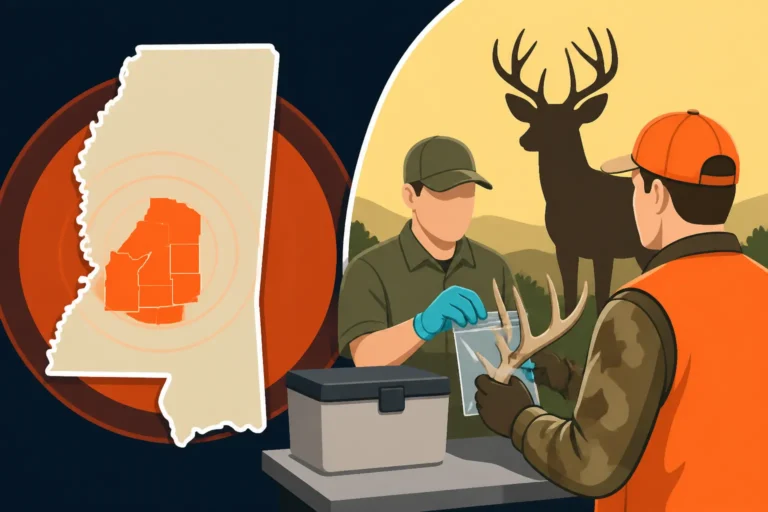
The clock starts ticking the moment the deer is harvested. If you're hunting close to home, this is usually no big deal. But if you're on a multi-day trip, especially as a nonresident, you need to factor this into your plans. If you harvest a deer on Friday morning, you have until Monday morning to report it. If you plan to head home Sunday evening, you must report it before you cross state lines. This is particularly important for nonresidents who may be packing up to leave on the same day they harvest. It’s not uncommon for hunters to experience a successful hunt on the last day of their trip, only to realize the logistics of reporting before crossing the state border are tight. Always prioritize reporting. If you're going to be in a CWD Management Zone, like the "Mississippi's Chronic Wasting Disease Zones," there might be additional reporting or testing requirements, so always be aware of those specific rules too.
Final Thoughts on Responsible Deer Reporting
Reporting your deer harvest through the MDWFP app is an integral part of responsible hunting in Mississippi. It's a simple act that has significant implications for conservation, ensuring that future generations can enjoy the same rich hunting heritage we do today. While the occasional technical glitch or lack of cell service can be frustrating, being prepared, understanding the regulations, and acting promptly will ensure you stay compliant and contribute positively to Mississippi's wildlife management efforts. So, next time you're celebrating a successful hunt, remember to take a few moments to make that report – it's just as much a part of the hunt as the shot itself.
Disclaimer
This guide is intended for informational purposes only and should not be considered legal advice. Hunting regulations in Mississippi can change, and it is always the hunter's responsibility to consult the most current Mississippi Department of Wildlife, Fisheries, and Parks (MDWFP) regulations prior to hunting.